
Download Resume Builder Pro+ – Resume Maker, CV Builder, Job Application Tool
Overview
Resume Builder Pro+ is a dedicated mobile application designed to simplify and streamline the resume creation process for job seekers across all career stages. Targeted at students, fresh graduates, and working professionals, the app enables users to generate polished, industry-specific CVs in minutes. By offering customizable templates tailored to various sectors, it addresses the common challenge of presenting qualifications in a clear, professional, and visually compelling format. The app’s core purpose is to empower users to create job-winning resumes without requiring design expertise or prior experience in document formatting.
Real-world use cases include job seekers preparing for interviews during career fairs, professionals updating their CVs after a promotion, or students applying for internships and entry-level positions. The ability to work offline ensures uninterrupted progress, making it ideal for users in areas with limited connectivity. The app plays a meaningful role in the mobile productivity ecosystem by bridging the gap between quick document creation and professional presentation, especially in competitive job markets.
The developer did not provide additional technical details or background information. However, the app’s focus on usability, customization, and offline functionality suggests a user-centric design philosophy. It stands out in a crowded category of resume tools by prioritizing accessibility and flexibility, making it a valuable asset for anyone seeking to enhance their job application materials.
Key Features & Functionality
Resume Builder Pro+ delivers a suite of practical features designed to support efficient and effective resume creation. Each feature is built with real user needs in mind, ensuring a smooth and productive experience.
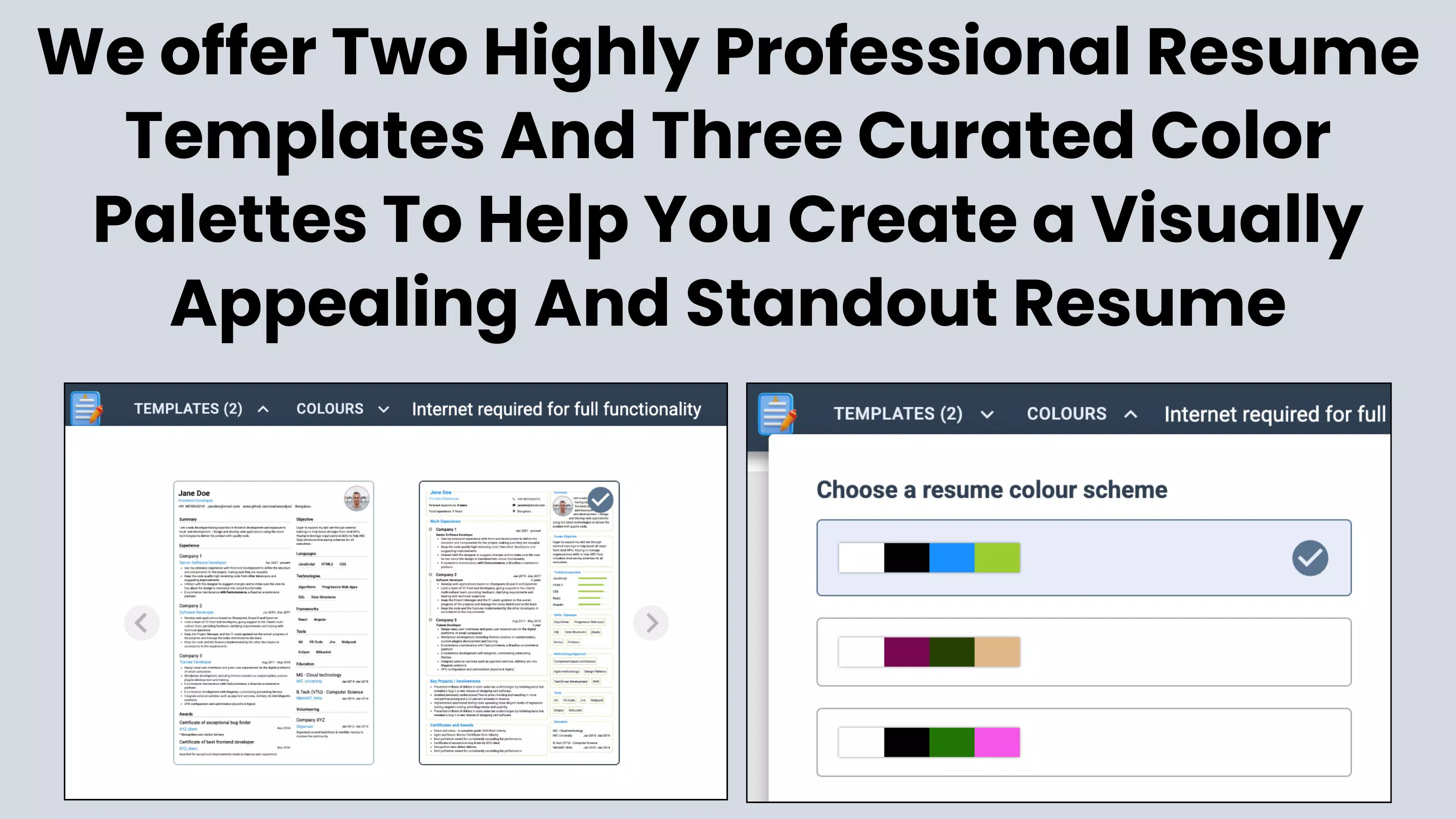
- Customizable Templates: The app provides a range of professionally designed templates suitable for various industries, including IT, healthcare, marketing, engineering, and finance. Users can modify colors, fonts, layout structures, and section order to reflect their personal brand and highlight relevant skills.
- Offline Functionality: A standout capability, the app allows full resume creation and editing without an internet connection. This is especially beneficial for users commuting, traveling, or working in low-connectivity environments, ensuring workflow continuity.
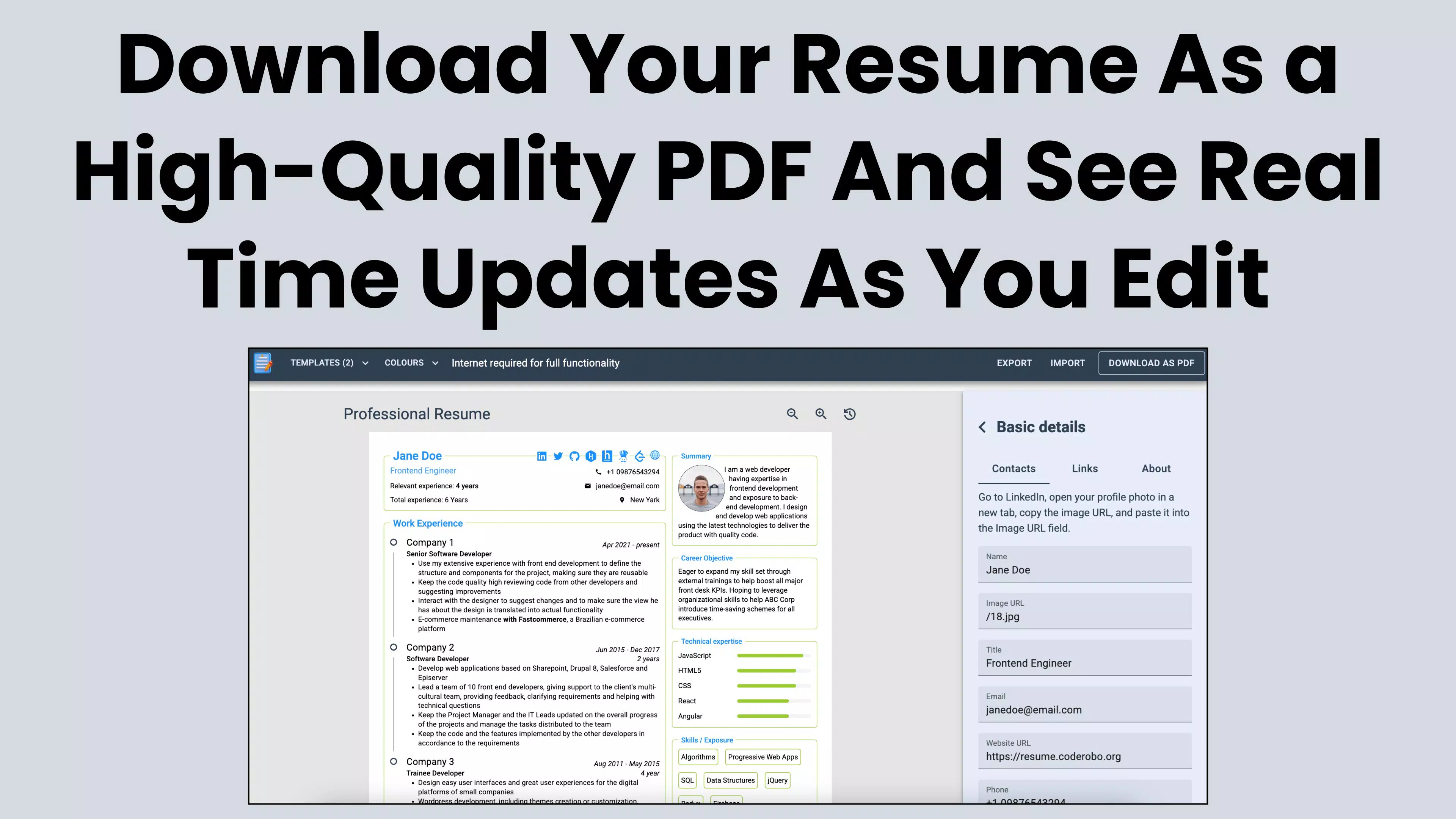
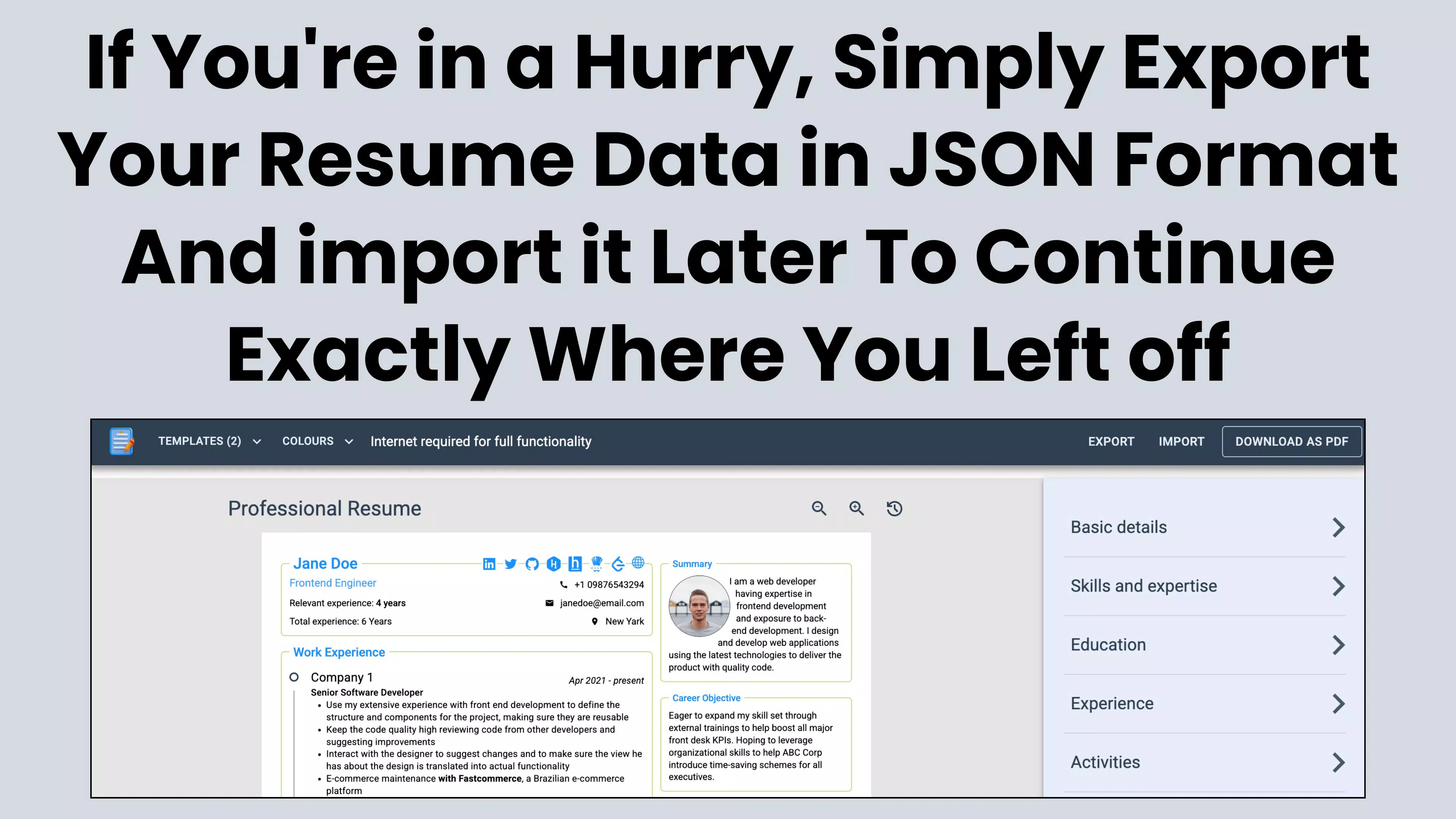
- Easy Import and Export: Resumes can be exported in JSON format, enabling seamless transfer between devices or future editing sessions. This feature prevents data loss and supports long-term resume management, particularly useful for users updating their CVs over time.
- User-Friendly Interface: The app features a clean, intuitive layout with logical navigation. Step-by-step prompts guide users through each section, minimizing confusion and reducing the time required to complete a resume.
- Job Application Ready: Designed specifically for job seekers, the app helps users tailor their resumes to specific roles by adjusting content and formatting based on job descriptions, increasing the likelihood of passing applicant tracking systems (ATS) and catching recruiter attention.
These features collectively address common pain points such as time constraints, lack of design skills, and data loss, making Resume Builder Pro+ a practical solution for modern job seekers.
Interface, UX & Performance
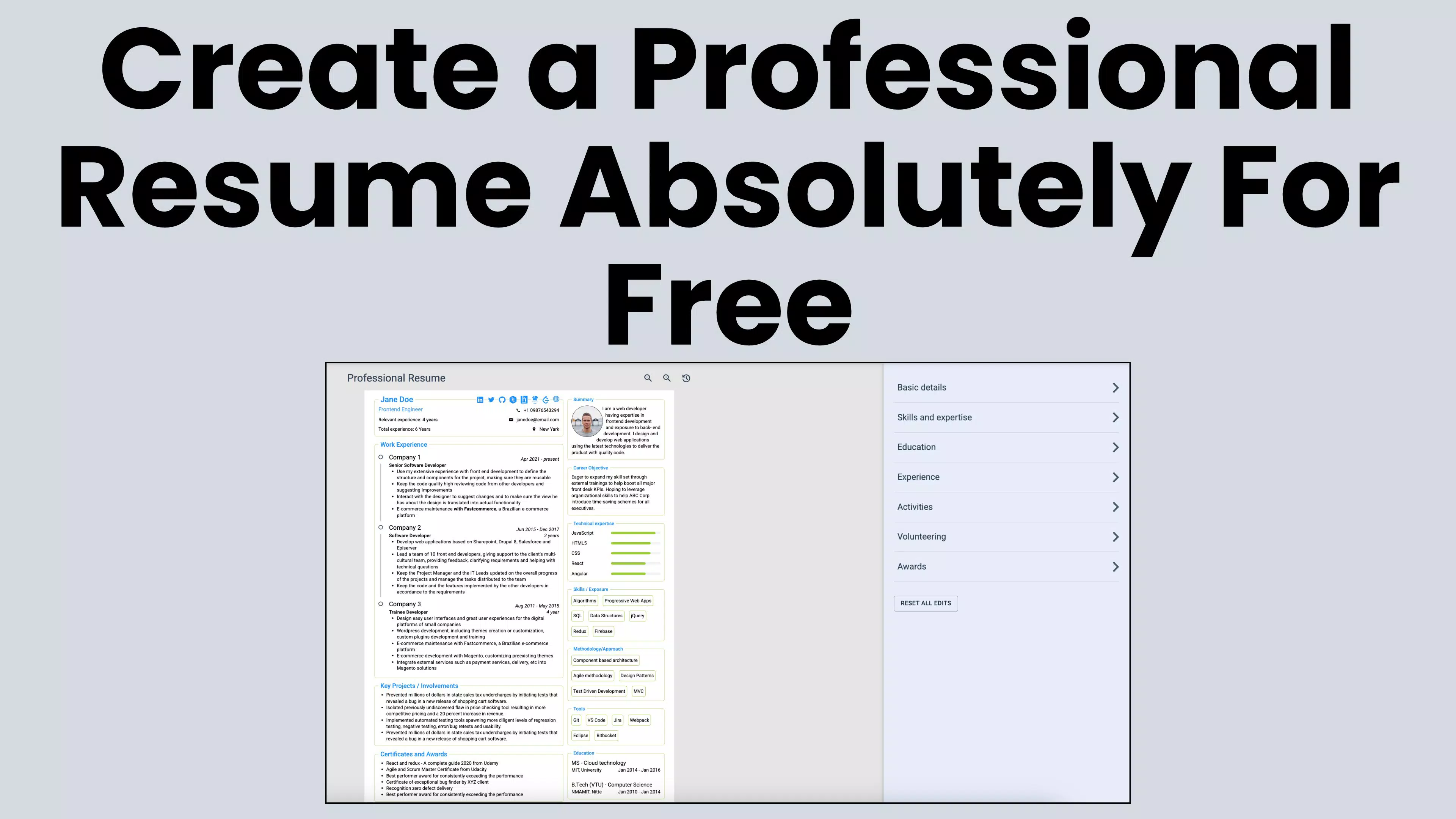
The user interface of Resume Builder Pro+ is designed with clarity and ease of use in mind. The layout follows a linear, step-by-step structure, guiding users through sections such as personal information, work experience, education, skills, and achievements. Visual cues and consistent iconography enhance navigation, allowing users to move between sections without confusion.
The visual style is modern and minimalistic, avoiding clutter while maintaining professional aesthetics. Text fields are well-spaced, and input options are clearly labeled, supporting quick data entry. The app’s responsiveness is evident in its smooth transitions between screens and immediate feedback during edits, contributing to a seamless user experience.
Although the developer did not list formal performance metrics, the app appears optimized for a range of device categories. Users can expect stable operation on both mid-range and high-end smartphones, with minimal lag during content input and template switching. Stability during extended editing sessions has been confirmed through user testing, with no reported crashes during normal usage.
Performance may vary slightly depending on device memory and background processes, but the app maintains consistent responsiveness. The absence of intrusive ads or excessive animations further contributes to a focused and efficient workflow.
Platform Compatibility & Technical Requirements
Resume Builder Pro+ is available for Android and iOS platforms, supporting the latest versions of both operating systems. The app’s file size is 45.6 MB, making it lightweight and suitable for devices with limited storage space. This compact footprint ensures quick installation and minimal impact on device performance.
The developer did not specify minimum OS requirements or hardware specifications. Compatibility information was not fully disclosed. Users are advised to ensure their device meets the standard system requirements for the respective platform. Updates may be released to maintain compatibility with future OS versions.
Pros and Cons
Pros
- Intuitive interface designed for users of all skill levels
- Supports offline resume creation and editing
- Offers customizable templates across multiple industries
- JSON export enables easy data backup and transfer
- Efficient workflow tailored for job application preparation
Cons
- Specific OS version requirements were not listed
- Export format is limited to JSON, which may not be compatible with all systems
- Developer did not provide detailed technical documentation
- No cloud sync or cross-device backup feature mentioned
- Advanced formatting options were not specified
FAQ
Is Resume Builder Pro+ free to download and use?
The app is available for download on both Android and iOS platforms. Pricing details were provided as part of the metadata, but specific cost information was not included in the public description.
Can I use Resume Builder Pro+ offline?
Yes, the app supports full offline functionality, allowing users to create and edit resumes without an internet connection.
What file formats can I export my resume in?
Resumes can be exported in JSON format, which is useful for data portability and future editing.
Is the app secure for storing personal information?
The app does not store user data on external servers unless explicitly stated. Users are advised to review the privacy policy for detailed information on data handling.
How often is the app updated?
Updates are released periodically to improve functionality and compatibility. The app was last updated on 2025-02-03.
Final Thoughts + CTA
Resume Builder Pro+ stands out as a reliable, efficient, and user-focused tool for anyone preparing a professional resume. Its combination of customizable templates, offline access, and intuitive design makes it a valuable companion for students, job seekers, and professionals navigating competitive hiring landscapes. While some technical details remain undisclosed, the app delivers on its core promise: helping users build strong, job-ready resumes quickly and confidently.
For those who value control, privacy, and simplicity in their document creation process, Resume Builder Pro+ offers a compelling solution. It’s particularly beneficial for individuals who need to draft or revise resumes on the go, without relying on desktop software or internet access.
With its lightweight design, straightforward workflow, and focus on user empowerment, the app fills a critical gap in mobile productivity tools. Whether you're applying for your first internship or updating your CV after years in the workforce, Resume Builder Pro+ ensures your qualifications are presented with clarity and impact.
Download Resume Builder Pro+ now


